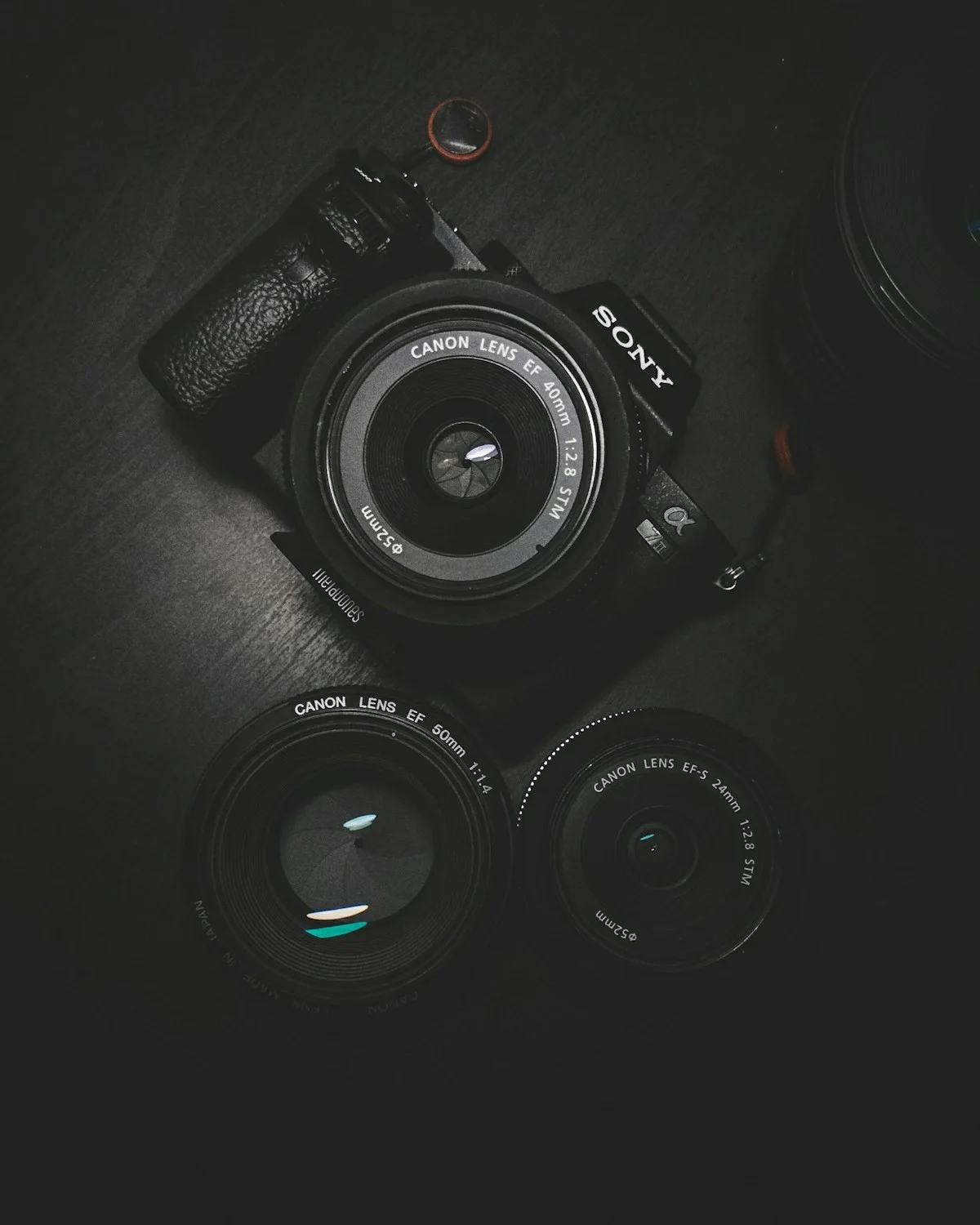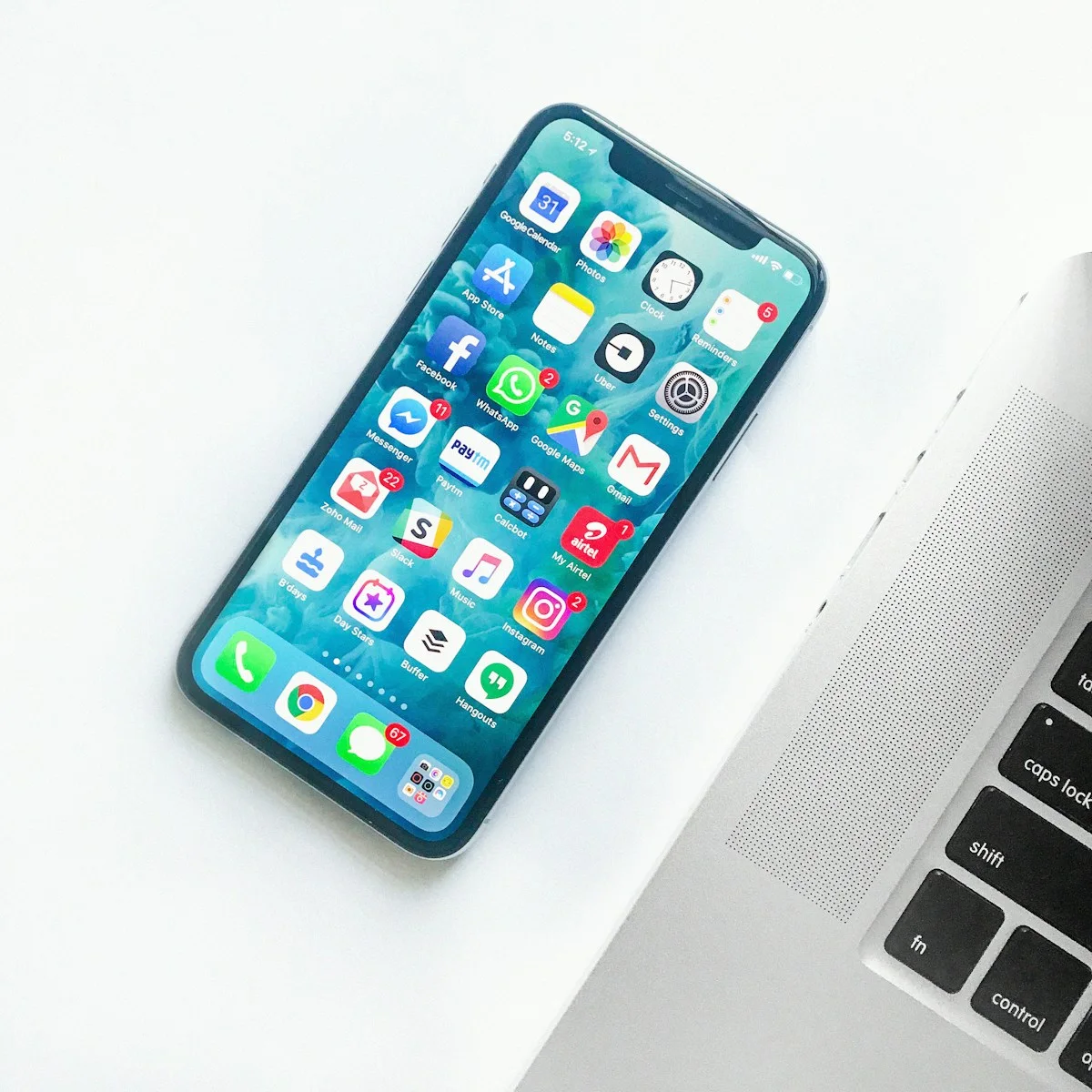
You step out of a station into a bright square, stop for a coffee and notice an interesting doorway on the way to the hotel. These small moments often tell the story of a trip better than a folder of identical landmark photographs. A phone is useful because it is already close at hand. The first improvement is usually a more deliberate approach to noticing and framing, rather than an immediate camera upgrade.
This guide is for ordinary travel days when photography shares time with walking, meals and conversation. It offers creative suggestions and a practical kit plan rather than claiming professional testing of particular phones. Learn the basic controls of your own model before leaving, because camera features and names differ between devices and software versions.
Give each photograph one clear subject
Before taking the picture, decide what caught your attention. It might be a person crossing a square, the color of shutters or the relationship between a cafe table and the street beyond. Move a little to make that subject easier to see. A few steps can remove a distracting bin or keep a sign from appearing to grow out of someone's head.
Take one wider image for context and one closer image for detail. At breakfast, that might mean the table in the room and then the texture of a pastry. On a walk, it might mean the whole street and then a door handle or tiled threshold. The pair creates variety without requiring a different lens for every situation.
Keep horizons and vertical lines deliberate. A tilted frame can be an artistic choice, but an accidental lean often distracts from the subject. Use available composition aids if helpful and review the edges of the frame before pressing the shutter. A few seconds spent simplifying the background can save much more editing effort later.
Work with the light you find
Notice the direction and quality of light before choosing where to stand. A subject in open shade can be easier to photograph than one with a bright stripe across the face. Early or later daylight can create appealing shadows, but you do not need to organize every vacation morning around a photographic schedule. Work with the light available during the trip you want to take.
For interiors, look for a window and consider whether the subject can be placed nearby without disturbing anyone. Avoid blocking a restaurant aisle or rearranging a public display for your picture. If a scene looks flat, try a different angle before reaching for a filter. Changing position can reveal texture that an aggressive edit cannot convincingly invent.
In dim conditions, hold the phone steadily and give the camera time to finish. Learn your model's low-light controls in advance rather than assuming every phone behaves the same way. Apple's camera guide explains the controls available on supported iPhones; Android users should consult their manufacturer's instructions. Do not treat a feature available on one model as universal.
Photograph people with consideration
Ask companions whether they want to be photographed and let them settle into the scene. A natural activity, such as looking at a menu or walking along a waterfront, can feel more comfortable than repeated instructions to pose. Take the picture efficiently so photography does not take over the shared experience.
Respect venue rules, local expectations and people's privacy. Ask permission when appropriate, especially for close portraits. Avoid photographing documents, private information or people in vulnerable situations simply because they are in view. If someone declines, put the phone away. A travel album should preserve a good trip rather than create an awkward interaction.
Build a small, useful accessory kit
Start with a protective case you can grip comfortably and a clean suitable lens cloth. Smudges can make photographs look hazy, so check the lens before an important shot and clean it according to the device manufacturer's advice. Keep a charging cable that matches your equipment. Add a compact support only if you have a clear use, such as a permitted group photograph or a stationary night scene.
A small tripod is a tradeoff: it can help with certain photographs but adds carrying weight, setup time and restrictions in some places. Check venue rules and avoid creating an obstacle. Clip-on lenses and elaborate rigs are optional; compare their compatibility and handling with the simpler option of moving your position. Buy accessories to solve an observed limitation, not to imitate a professional kit.
If a power bank is necessary for your day's navigation and photography, check the airline's rules before traveling. The FAA requires power banks in cabin baggage. Choose around practical daily use and weight rather than capacity alone. Our charging checklist helps keep the rest of the electronic kit manageable.
Protect the photographs before you need them
Check available storage before departure and understand how your chosen backup method works. A cloud service may depend on connectivity, account settings and available space. Confirm that a backup has actually completed before deleting originals. Consider a second appropriate copy for photographs that matter especially to you.
At the end of a day, remove obvious duplicates and mark favorites if you have time. Keep editing restrained: a small crop or exposure adjustment can clarify a scene, while heavy processing may change the colors you intended to remember. If you share photographs publicly, think about whether location details or background information reveal more than intended.
A simple daily photo plan
Aim for a handful of different subjects: an establishing view, a detail, a person or activity with permission, and one ordinary moment that captures the day. Put the phone away between them. That variety creates a more useful record than taking many versions of a landmark from the same spot.
Do you need a new phone? Identify a specific recurring limitation first. If the issue is framing, light or storage management, a newer model may not solve it.
Should you use digital zoom? Compare the available lens options on your device and review the result. Moving closer when safe and permitted may give you more control over the composition.
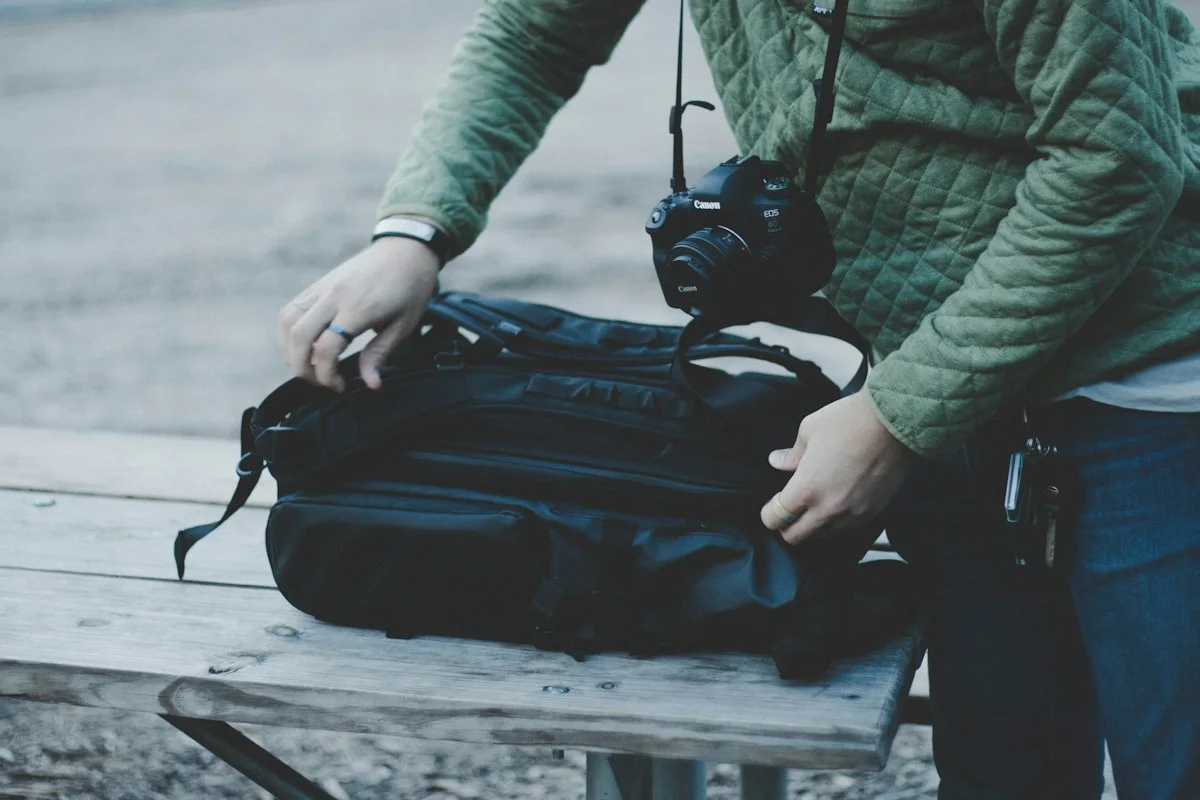
When is a separate camera worthwhile? When its capabilities and the process of using it matter enough to justify the extra carrying and attention. Our camera day-bag guide helps you assess the practical commitment before adding equipment.